

Capabilities
| Resource | Sync | Provision |
|---|---|---|
| Accounts | ||
| Groups | ||
| Roles | ||
| Licenses |
Available hosting methods
Choose the hosting method that best suits your needs:| Method | Availability | Notes |
|---|---|---|
| Cloud-hosted | A built-in, no-code connector hosted by ConductorOne. | |
| Self-hosted | A connector hosted and run in your own environment. |
Gather Coupa credentials
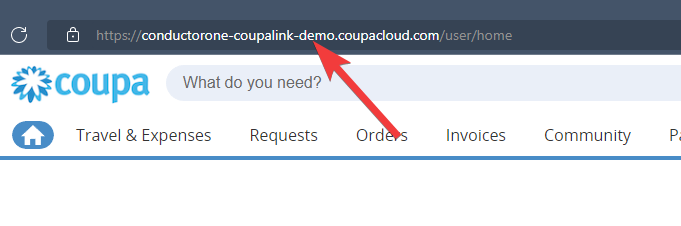
Configuring the connector requires you to pass in credentials generated in Coupa. Gather these credentials before you move on.Locate your Coupa domain
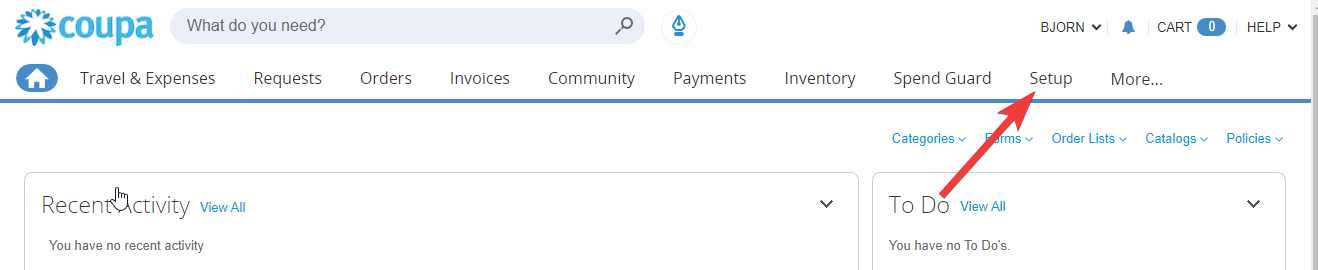
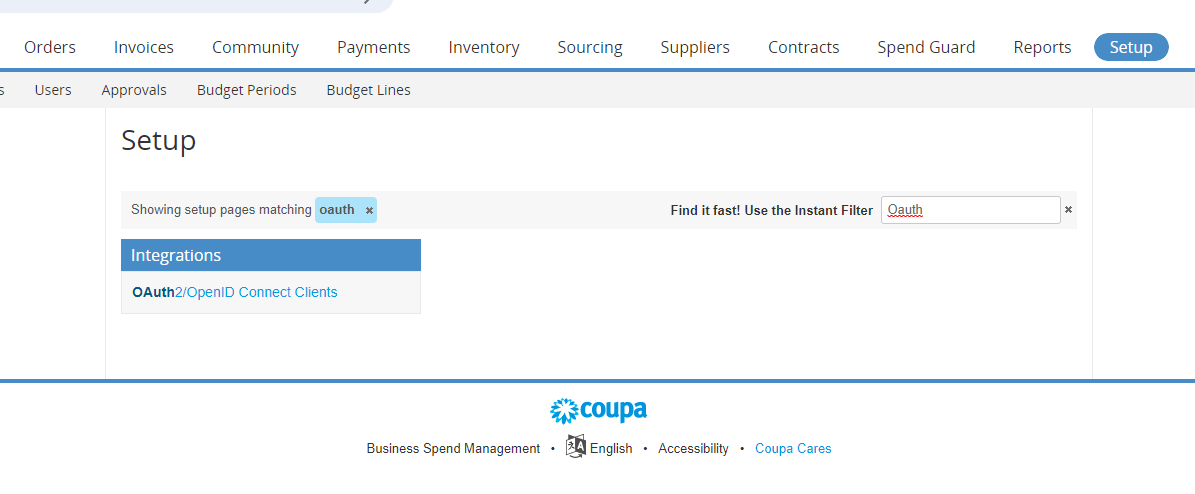
Create an OAuth App
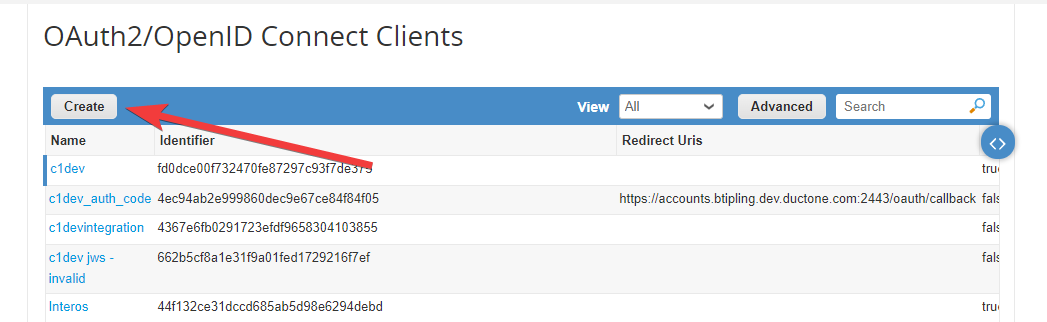
Fill out the OAuth app creation form as follows: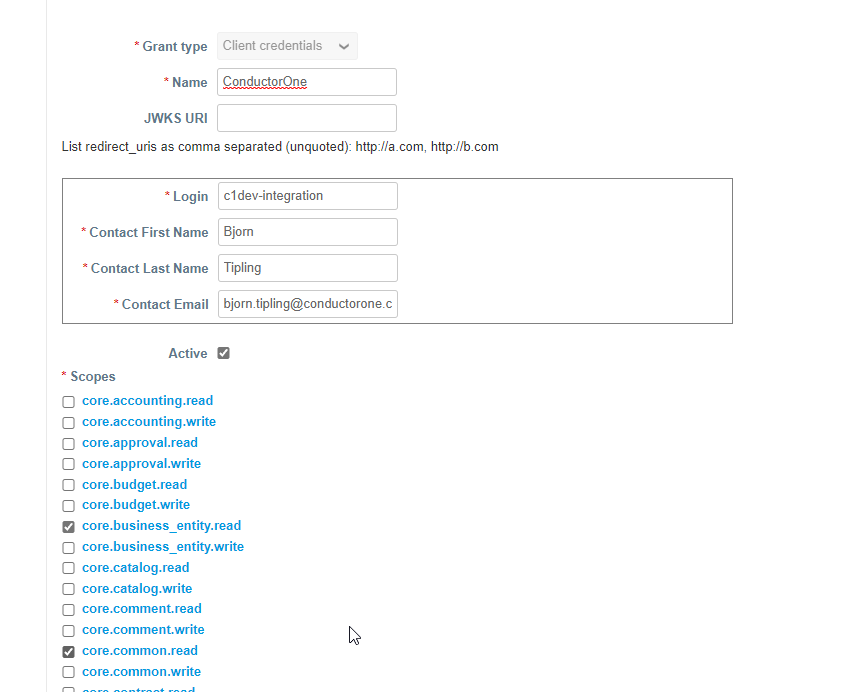
- Select Grant type Client credentials.
- Give your app a name, such as ConductorOne.
- Leave JWKS URI field blank.
- Enter the appropriate login and contact information for your organization.
- Select scopes:
- core.business_entity.read
- core.common.read
- core.user_group.read
- core.user.read
- login
- openid
- profile
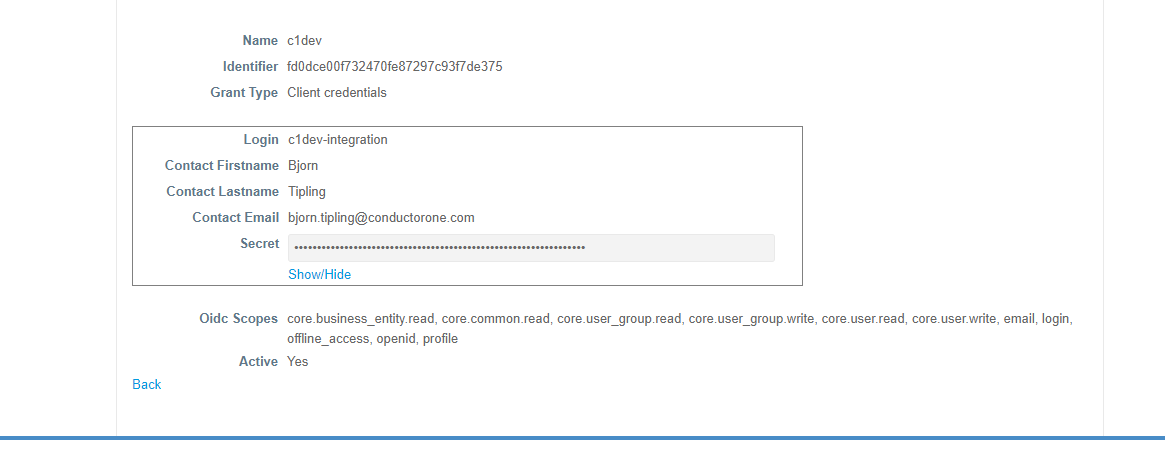
Configure the Coupa connector
Choose how to set up the new Coupa connector:
- Add the connector to a currently unmanaged app (select from the list of apps that were discovered in your identity, SSO, or federation provider that aren’t yet managed with ConductorOne)
- Add the connector to a managed app (select from the list of existing managed apps)
- Create a new managed app
Set the owner for this connector. You can manage the connector yourself, or choose someone else from the list of ConductorOne users. Setting multiple owners is allowed.If you choose someone else, ConductorOne will notify the new connector owner by email that their help is needed to complete the setup process.